The ten-minute moment
Something happens ten minutes before every pickup. Families stop texting “where are you?”
Peek insideFree · No app store · Ready in two minutes
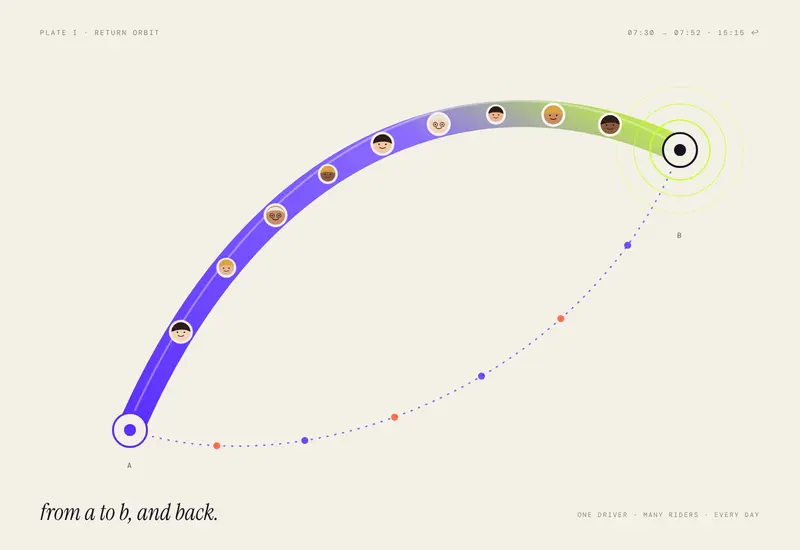
One driver there and back. Nobody keeping score. A phone that answers “where are they?” before anyone asks. The rest is better seen than read.
Built for every group that shares a regular drive
The tour
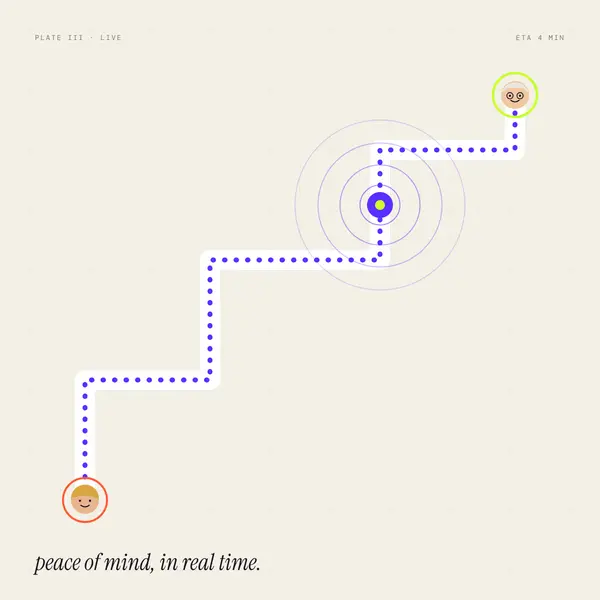
alerts as the car gets close, arrives & drops off
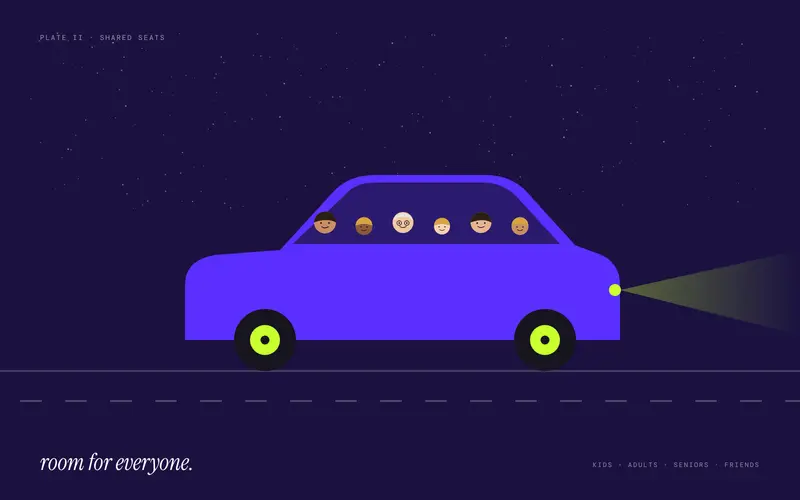
No app store needed · iPhone, iPad, Android, computer
Start a carpoolInside Boomerang
We could list every feature. We’d rather you meet them on your own carpool, one small “oh, nice” at a time.
Something happens ten minutes before every pickup. Families stop texting “where are you?”
Peek insideIt remembers every turn, swap and favour, so nobody has to keep score in their head.
Peek insideCan’t drive tomorrow? Watch what happens when you tap one button.
Peek insideIt knows when someone will need an umbrella, a water bottle or a warmer coat, and says so the night before.
Peek insideChange one thing on Tuesday and every family’s calendar quietly changes with it.
Peek insideYour group chat is encrypted on your phone. Not even our servers can read it.
Peek insidePrivacy & security
You're trusting us with your family's routine, so we built it like a bank would.
Only the driver’s phone shares location, only while a trip is running, and the trail is deleted automatically.
Sign in with Face ID, Touch ID, Windows Hello or a security key.
Use any authenticator app. Organizations can require it for every admin.
Every change is written to a hash-chained log you can verify and export.
Children never get an account. Adults sign in as themselves, and admins manage access.
Export or delete your data at any time. No ads, and nothing is ever sold.
Compare
| Feature | Group text | Typical carpool app | Boomerang |
|---|---|---|---|
| One driver per day, both trips | No | No | |
| Fair-turn counts, IOUs and who is next | No | Some | |
| Backup driver for every day | No | No | |
| Arrive-by timing with live traffic | No | No | |
| Automatic live trip alerts | No | No | |
| Calendar feeds that update themselves | No | Some | |
| Trip receipts and audit trail | No | No | |
| Passkeys and two-step sign-in | No | Some | |
| Free, no app store needed | ✓ | No |
How it works
Add your riders and invite the other adults. Everyone keeps their own sign-in.
Pin the pickup and drop-off, choose the days and timing, and share one link or QR code.
Claim your days. Trips start on their own, and everyone stays in the loop.
Get started
By using Boomerang you agree to the Boomerang Privacy & Terms.
Boomerang is a free carpool app for anyone who shares the drive: families, coworkers, teams, friends, seniors and groups. Agree on a pickup and a drop-off, take fair turns driving there and back, and follow every trip live for peace of mind.
No. Boomerang runs in any modern browser on iPhone, iPad, Android and computers. Share your carpool link or QR code and people join in one tap. Add it to the Home Screen for notifications.
It counts every turn driven, skipped and covered. The planner suggests who is next: fewest turns first, skipping anyone who is away, and names a backup from another household.
Yes. Organizers can add a carpool on any calendar date, cancel a usual day for a holiday, or change one day’s times with a note. Everyone is told and calendars update by themselves.
The driver of the day arranges cover. If a backup is named they take the whole day, both trips. Otherwise the driver picks a replacement, and the day stays theirs until someone accepts.
Never. Only the driver’s phone shares location, only during a trip they start, and the trail is deleted automatically.
Yes. Subscribe once to your private calendar link or the carpool’s feed. When a driver changes or a day is cancelled, the event changes too. RSS is available as well.
Yes. Schools, colleges, congregations, senior groups and teams run many carpools in one place. Members join with a QR code, turns rotate fairly, and organizers see every trip.
Yes. Simple mode gives larger text, bigger buttons and fewer details, and it turns on automatically for people 65 and over. Family members can follow every trip.
Boomerang is free: notifications, chat, calendar feeds, trip receipts and as many carpools as you need.
Make an account, add the people you drive with, and see what Boomerang does next.
Start a carpool. It's free